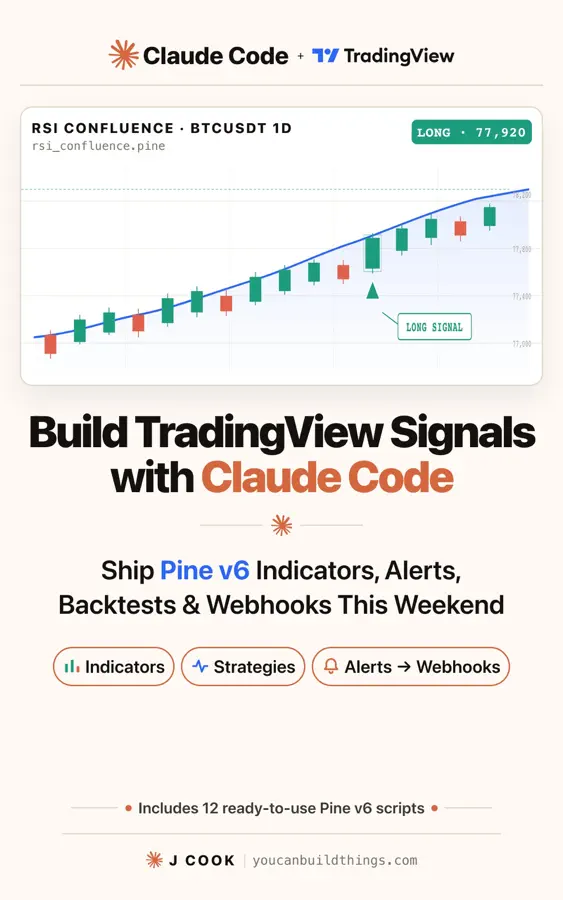
Build TradingView Signals with Claude Code
John Cook
Turn its ideas into short, game-like lessons you’ll actually finish.
About Build TradingView Signals with Claude Code
A good TradingView signal can do two things: help you catch trades earlier, and become the product other traders pay to use.
Most chartists are on the wrong side of both.
They pay for signals instead of owning the logic. They chase 93% backtests without knowing whether the strategy is real. They ask Claude Code for one Pine script, paste errors back ten times, and still end up with an indicator that repaints. Meanwhile, the signal service gets paid every month because it owns the script.
Build TradingView Signals with Claude Code shows you how to move to the owner side. First, you build Pine v6 TradingView signals you can test, alert, and trade yourself, no Python required. Then you learn the second path: publish a free version as proof, put stronger versions behind invite-only access, rent scripts for 30, 90, or 365 days, or sell custom indicators to chartists who still cannot get Claude to compile clean Pine.
This is not a vague "AI trading" book. It is a build book for signal systems: the ./docs folder, the CLAUDE.md rules, the four-part prompts, the indicators, the strategies, the alerts, the webhook loop, the gotchas card, and the public-library publishing path.
Inside, you build 12 assets that make you a more dangerous chartist:
1. A Pine v6 setup that makes Claude read the manual first.
2. Prompts that turn signal ideas into working scripts.
3. Three TradingView indicators you can put on a chart.
4. Four strategies with sizing, stops, exits, and friction.
5. The breakeven stop-loss fix that prevents fake fills.
6. Alerts that carry real trade context.
7. A webhook loop for Claude trade analysis.
8. A checklist for spotting fake 93% backtests.
9. A faster loop for testing more signal ideas.
10. A 15-row Pine gotchas card.
11. Reusable prompts for the next indicator.
12. One published TradingView indicator as proof.
The first money path is your own trading: signals you understand, alerts you control, and backtests you know how to distrust. The second money path is the asset: build a useful signal, prove it in public, publish the free version, rent the stronger version, and sell custom Pine work to people who still think coding indicators is expensive magic. One hundred $50 rentals is $5,000/month. A custom Pine job can pay more than the book, the TradingView plan, and the Claude subscription combined.
If you can read a chart but cannot write Pine or Python from scratch, this is your weekend build book.
A smarter reading
and learning experience.
Hooked from page one.Every lesson opens on a question you want to answer, so your mind stays on it instead of drifting off.

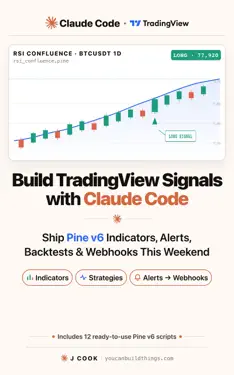
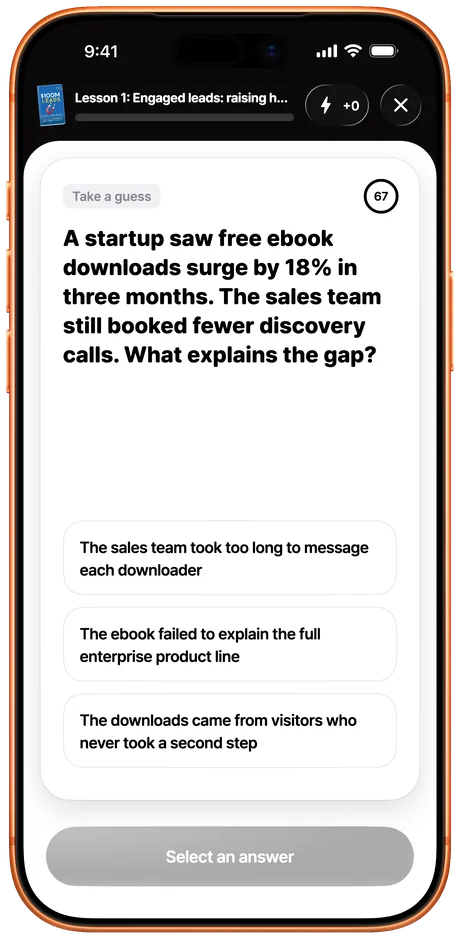


Get it in seconds.Right after you answer, a few plain words show why. No dense chapters to push through.

Use it this week.Pick the moment you’ll use the idea in your own life, so it turns into a habit, not a highlight.

Questions about Build TradingView Signals with Claude Code
What is Build TradingView Signals with Claude Code about?
A good TradingView signal can do two things: help you catch trades earlier, and become the product other traders pay to use. Most chartists are on the wrong side of both.
Who wrote Build TradingView Signals with Claude Code?
John Cook wrote Build TradingView Signals with Claude Code.
Is there a summary of Build TradingView Signals with Claude Code?
MEMRBL doesn’t summarize it. It turns its ideas into short lessons on your iPhone: you guess first, see why, and plan where you’ll use each idea this week.
How do I remember what I read in Build TradingView Signals with Claude Code?
Answer questions about it instead of reading it again. Recalling an idea makes it stick better than rereading it (Pan and Sana, 2021). That is how every MEMRBL lesson works.
What books are like Build TradingView Signals with Claude Code?
AI Smart Trading with TradingView, Modelos de dinero de $100 M and $100M LOST CHAPTERS. See all books like Build TradingView Signals with Claude Code.
Books like Build TradingView Signals with Claude Code
See all



Explore more books
Put Build TradingView Signals with Claude Code to work.
Short lessons on your iPhone. Free to download.